

Full Cards

The Full Cards contain an image, a title (and optional subtitle), promo text, and a link. Every card in the group must include these 4 items. It is important to remember not to mix card types, as their alignment on the page will start to break down.
No-image Cards
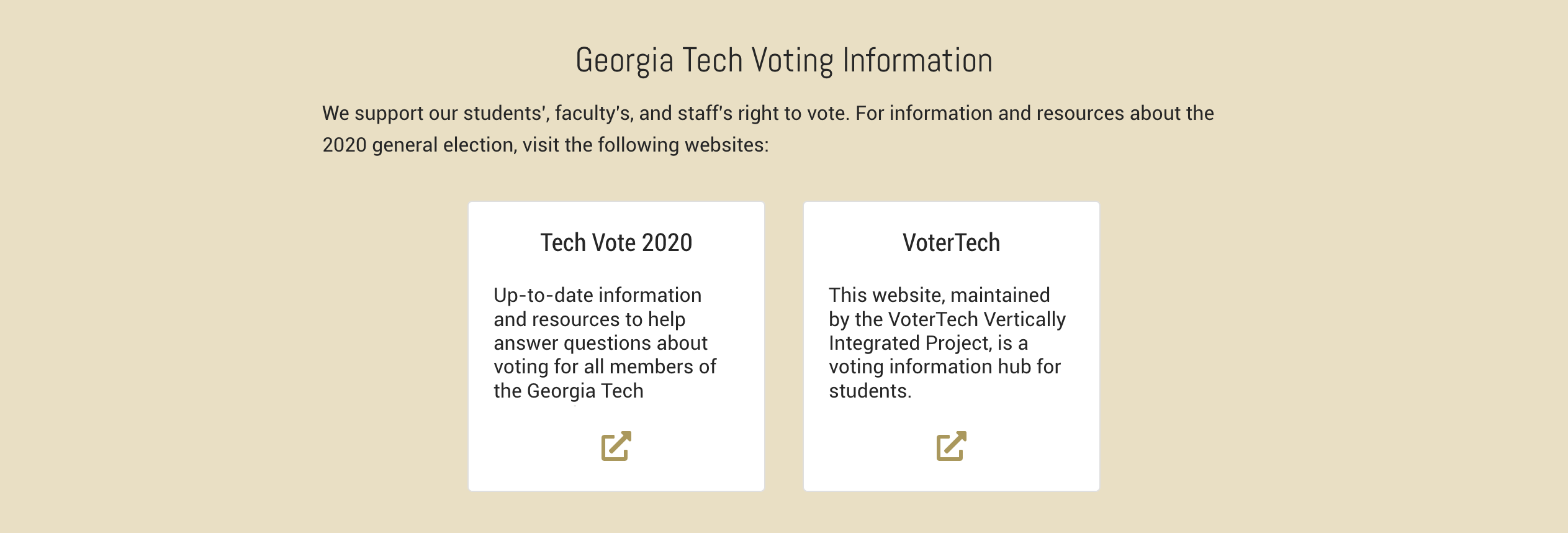
No-Image Cards contain a title, promo text, and link. (Simply leave out the image.) Use these sparingly on your page; when there are too many of these in a single Card Module, they become hard to parse because of the lack of eye rest that the large amount of text creates.
Jumplink Cards

Jumplink Cards contain only a title and a link. There is no need for a text description, and a picture would be superfluous. Think of these are large, content-grouped buttons.
No Link Cards
Any of the card types can become No-Link cards by leaving out the link. In this case you can enter one or more html links into the promo text (as long as the card is an HTML Card)
See the Live Example below.

This is a Cards Module

Example Card
Subtitle
Example Card
Subtitle
Example Card
Subtitle
Tall Cards Module
Card Title
Card Subtitle

Corgis Are Super Cool
(and you know it)

Not All Elves are Necessarily Zombies, Are They?
Not Common Knowledge

Title
Subtitle
No Link Cards

No link for this card

Another No Link Card

A third no link card
The Horizontal Cards Module
Module Title Character Limit: ~60
Module Text Character Limit: ~500
Horizontal Card Image Size: 800 x 600 (4x3)
Horizontal Card Title/Subtitle Character Limit: ~100 (2 lines)
Horizontal cards are wide cards stacked 1 per line. Because they are wider they have more space for text. This module has no PromoLinks, and the cards have no promo text.
The module may have a background color or background image, but when using an image, take care that it does not clash with the card images. Be sure to test in desktop and phone sizes to make sure background images look ok.
Horizontal Cards

Horizontal Card One
Can also have a Subtitle

Card Title 2
can also have a subtitle

Horizontal Card Three
This has a Subtitle
The Jumbo Cards Module
Module Title Character Limit: ~60
Module Text Character Limit: ~500
Jumbo Card Image Size: 1000 x 360 (25x9)
Jumbo Card Title/Subtitle/Date Character Limit: ~100 (2 lines)
Jumbo Card Text Character Limit: ~250 (5 lines)
Jumbo cards are "double wide" cards that can sit 2 side by side. Because they are wider they have more space for text. This module has no PromoLinks.
The module may have a background color or background image, but when using an image, take care that it does not clash with the card images. Be sure to test in desktop and phone sizes to make sure background images look ok.
Jumbo Cards Example

This is a double wide card
Not like the manufactured home

This is a jumbo title
and a jumbo subtitle
The Swipe Cards Module
Jumbo Card Image Size: 1000 x 360 (25x9)
Jumbo Card Title/Subtitle/Date Character Limit: ~100 (2 lines)
Jumbo Card Text Character Limit: ~200 (4 lines)
HTML Card Image Size: 800 x 600 (4x3)
HTML Card Title/Subtitle/Date Character Limit: ~50 (2 lines)
HTML Card Text Character Limit: ~150 (5 lines)
The Swipe Cards module houses Jumbo or regular HTML cards in a carousel-style display. The cards can be moved by "swiping" left or right, or clicking the next/previous arrows on the left and right. Cards collapse as normal when promo text, subtitle, etc is left out. We recommend using only Jumbo or regular HTML cards in one module, but if necessary they can be mixed. There should be a minimum of 3 Jumbo Cards or 5 regular Cards in the module for best results.
Be sure to test in desktop and phone sizes to make sure card images and text look ok. Text space is more restricted in phone sizes.
The module may have a background color.




Card Title 1
Card Subtitle 1

Card Title 2
Card Subtitle 2

Card Title 3
Card Subtitle 3

Card Title 4
Card Subtitle 4

Card Title 5
Card Subtitle 5
Pick a Module Below to Learn More