
Image Size: 1536 x 864 (16x9)
All images must be the same size.
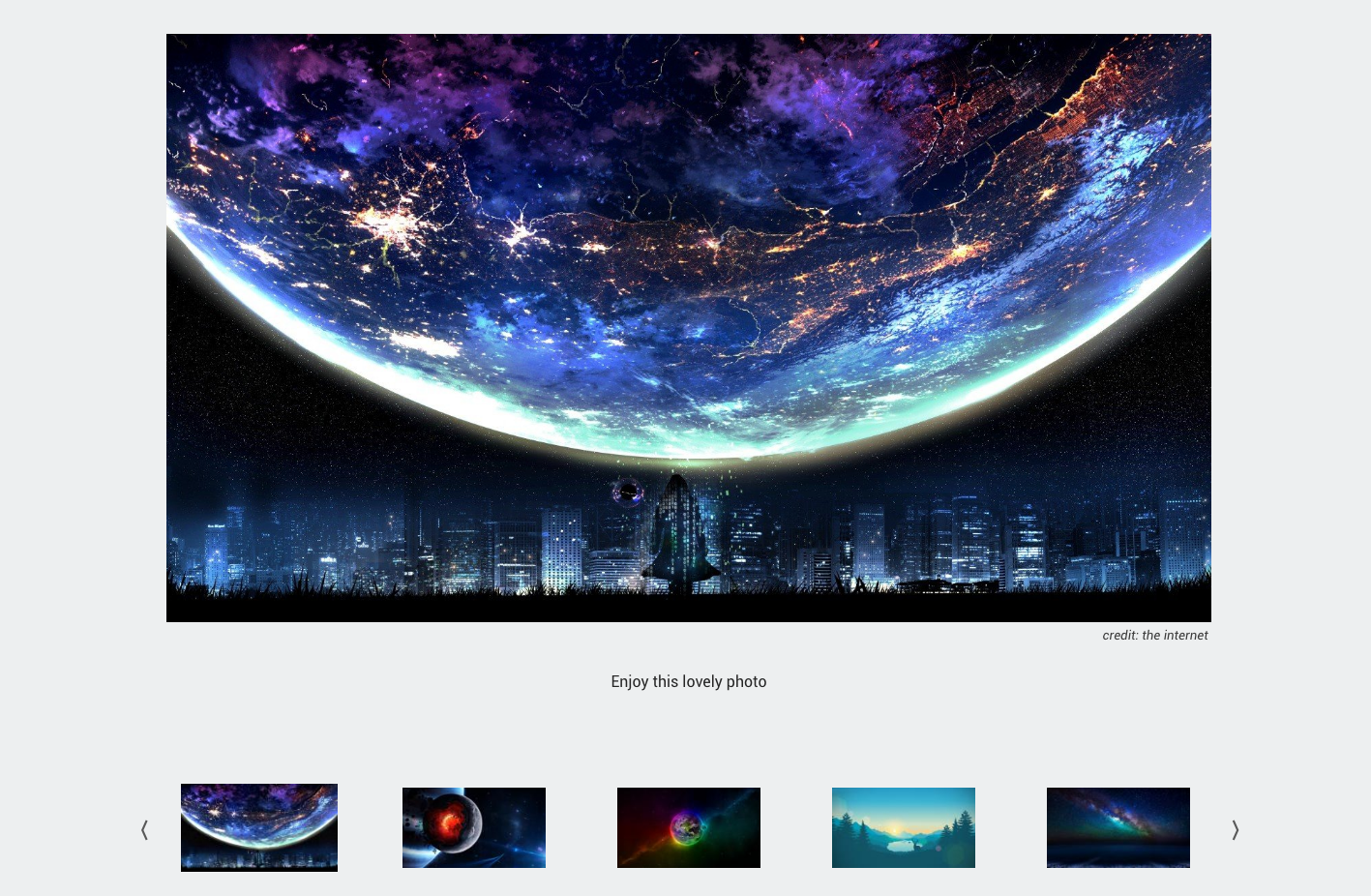
Images are important to the College’s identity, and having a clean and concise way of displaying large numbers of them is important. Each gallery uses an arrow click or finger swipe to move the user between images. The Gallery with Thumbnails Module shows small versions of each image in the gallery below the main image, which are clickable. Captions are also enabled, along with an area to input the photo source. This is required.
It is very important to prepare your images for use within a gallery. Ensure you are uploading images that fit the correct proportions that the module requires.
Live Example:

This is a Gallery with Thumbnails Module

Image credit here
This is the caption for image 1. Lorem ipsum dolor sit amet, consectetur adipiscing elit. Ut pulvinar orci ut suscipit ullamcorper.

Image Credit Here
This is the caption for image 2. Lorem ipsum dolor sit amet, consectetur adipiscing elit. Ut pulvinar orci ut suscipit ullamcorper.

Image Credit Goes Here
This is the caption for image 3. Lorem ipsum dolor sit amet, consectetur adipiscing elit. Ut pulvinar orci ut suscipit ullamcorper.

Image Credit
This is the caption for image 4. Lorem ipsum dolor sit amet, consectetur adipiscing elit. Ut pulvinar orci ut suscipit ullamcorper.

Image Credit is here
This is the caption for image 5. Lorem ipsum dolor sit amet, consectetur adipiscing elit. Ut pulvinar orci ut suscipit ullamcorper.

Image: Somebody
Another Caption






Pick a Module Below to Learn More
